
Location
Location Simulation for iOS Simulator
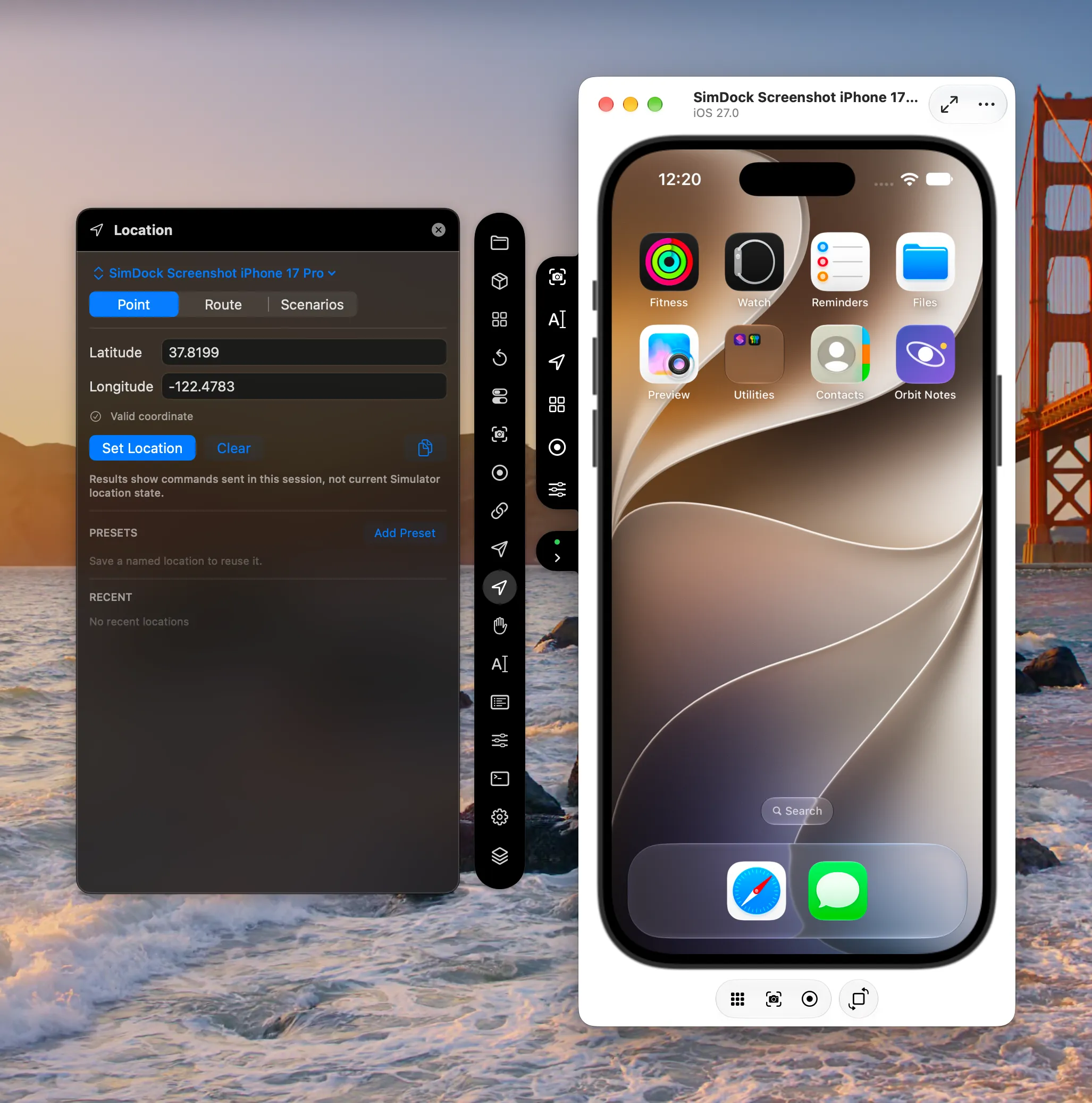
SimDock’s Location tool sets where the selected iOS Simulator thinks it is — a fixed point, a GPX route or one of the simulator’s own scenarios. It simulates location inside the simulator only and never reads your Mac’s location.
The problem it solves
Location features need testing in places you aren’t — and on the move. xcrun simctl location can do this, but it takes exact coordinate syntax, speed flags and scenario names typed correctly every time.
How SimDock sets the location
Each mode uses a public simctl location command for the selected simulator:
- Point
setwith a latitude and longitude.- Route
startwith the route’s points and an explicit speed.- Scenario
runwith a scenario name, chosen from the simulator’s ownlist.- Clear
clearends any route or scenario and removes the simulated location.
Routes and scenarios run inside the simulator itself, so playback doesn’t depend on SimDock staying open.
What you can do
- Set fixed coordinates with strict validation — out-of-range or malformed values are rejected before anything is sent.
- Save named presets and pick from recent locations.
- Import a GPX file and play its track or route on the device at a speed between 0.1 and 1,000 meters per second. Track segments are used in order; waypoints are ignored.
- Run built-in scenarios that the installed simulator provides — the list is read from the simulator every time, not hard-coded.
- Copy coordinates to use elsewhere.
- Scenarios in SimDock can include a location step, which accepts only valid coordinates.
Your Mac’s location stays private
SimDock only tells the simulator which location to report. It never reads your Mac’s location and doesn’t ask for Location Services permission. Your app still needs location permission on the simulator, which you can grant with SimDock’s Privacy & Permissions tool.
Limits
- The simulated location applies to the whole simulator, not to a single app.
- Which built-in scenarios exist depends on the installed Xcode and simulator runtime.
- The simulator must be booted.
Does my app need changes?
No. Your app receives the simulated location through Core Location, as it would any location on the simulator.